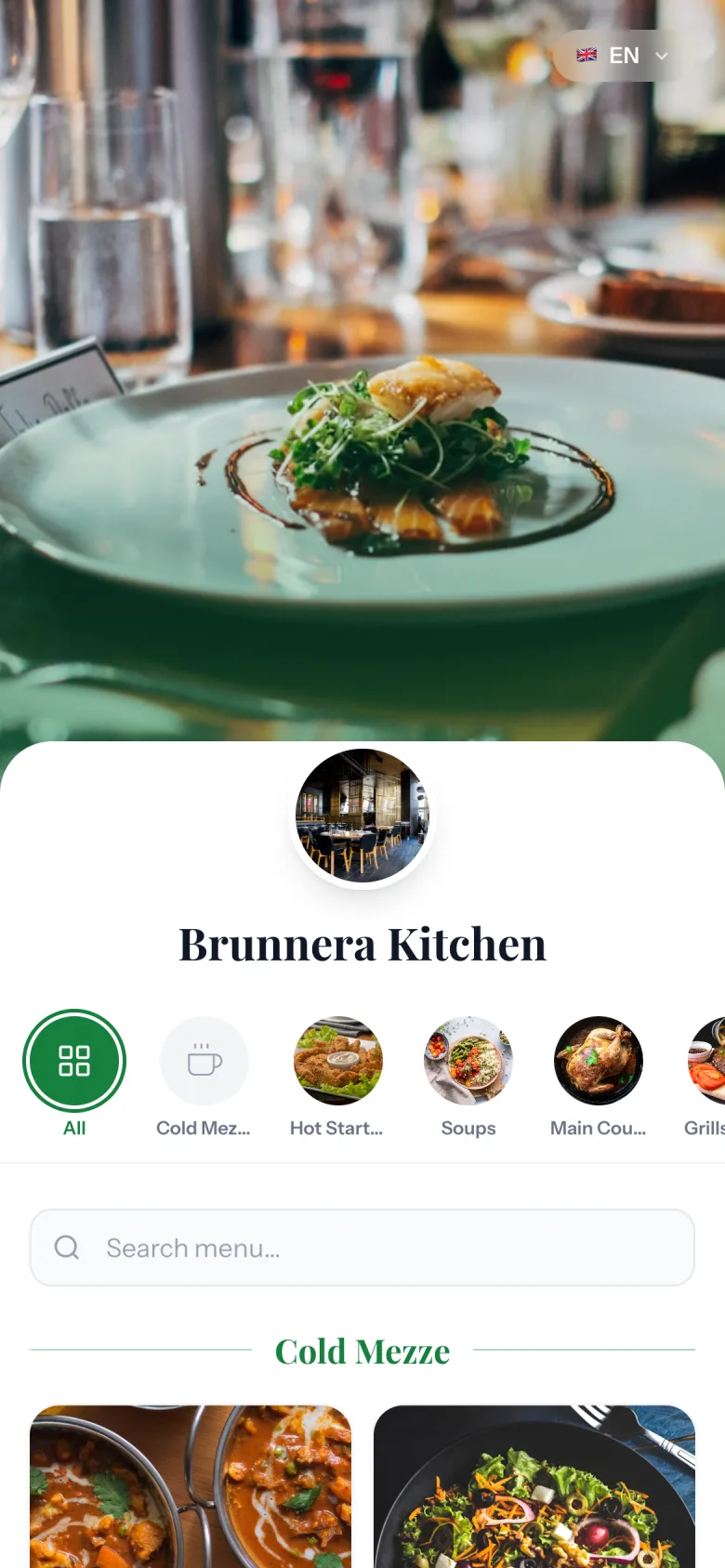
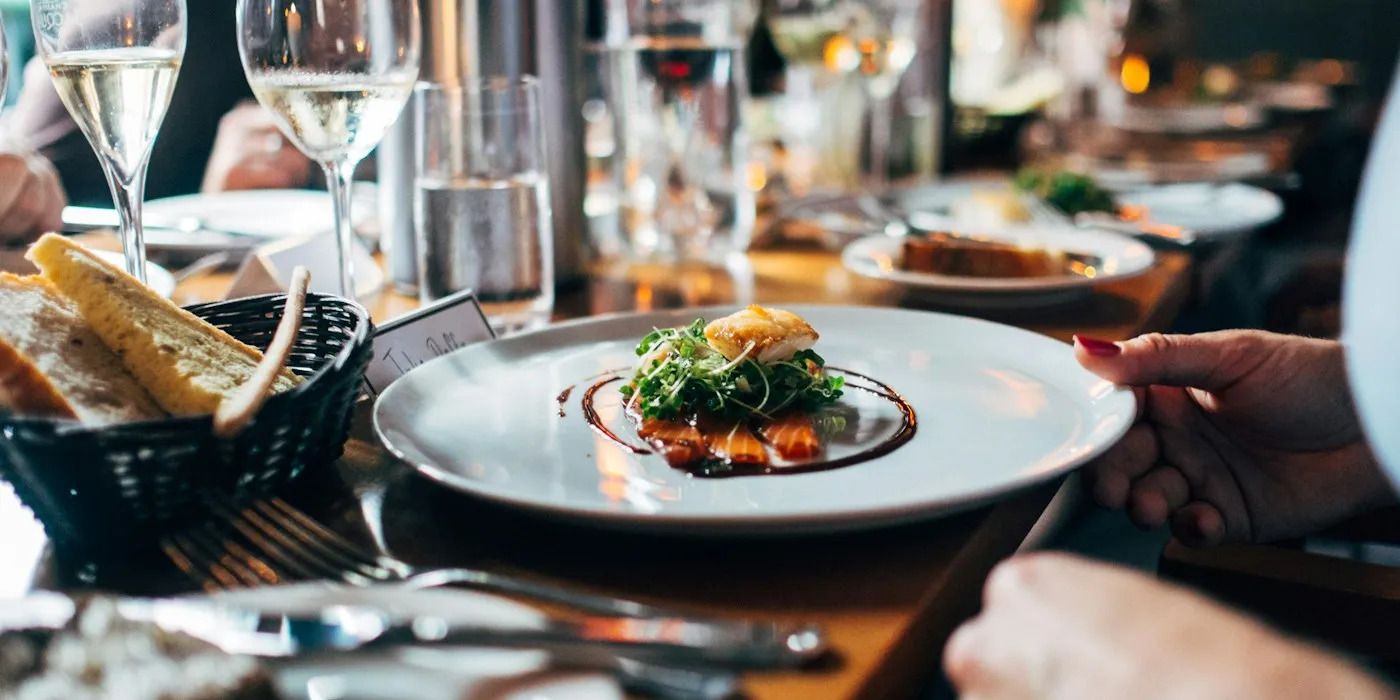
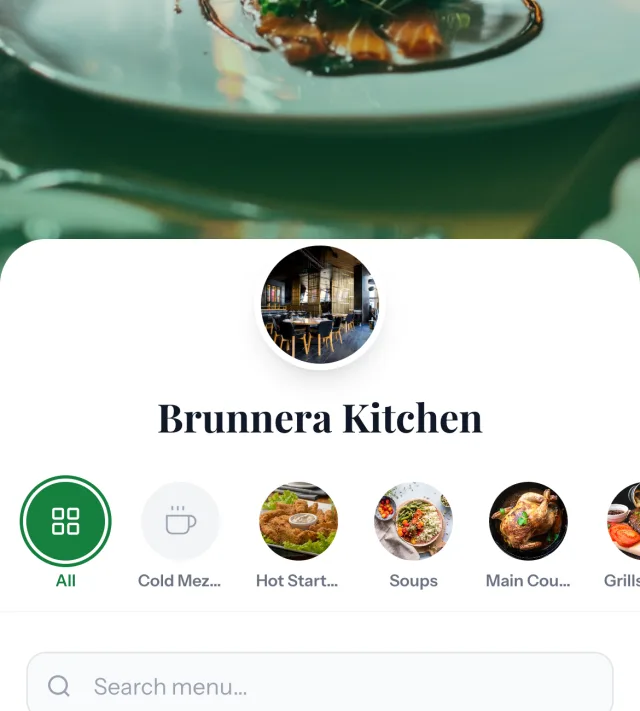
Add your restaurant’s name, logo, and colors. Set the scene with a cover photo or video.
STEP 02
Bring your menu to life.
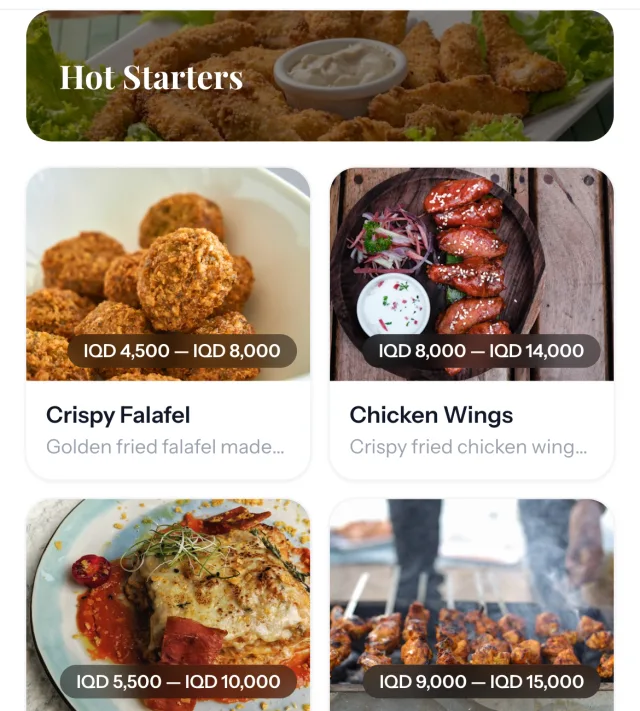
Add dishes, photography, prices, and translations. Organize everything into easy-to-browse categories.
SCAN TO OPEN
STEP 03
Set the table.
Share your menu link or place your QR code on tables. Guests scan and start exploring.
A few more details
Glad you asked.
How much does Brunnera Menu cost?
Pricing is tailored to your restaurant. Get in touch with your menu size and the languages you need, and we’ll prepare a quote.
Do guests need to download an app?
No. Guests scan your QR code or open your menu link in their browser. Your menu works on phones, tablets, and computers.
Can I update the menu myself?
Yes. Manage dishes, photos, descriptions, prices, and availability from your admin panel. Your published changes appear when guests load the menu.
Which languages are supported?
Arabic, English, and Kurdish (Sorani). Enable the languages you serve and add your translated menu content. Guests can switch languages while browsing.
Will the menu use my restaurant’s branding?
Yes. Your restaurant has its own logo, brand color, and cover image or video. Brunnera Menu is the platform; your restaurant is the identity your guests see.
Your next chapter starts here
Let’s put your menu in their hands.
Tell us about your restaurant. We’ll help you make a beautiful first impression.